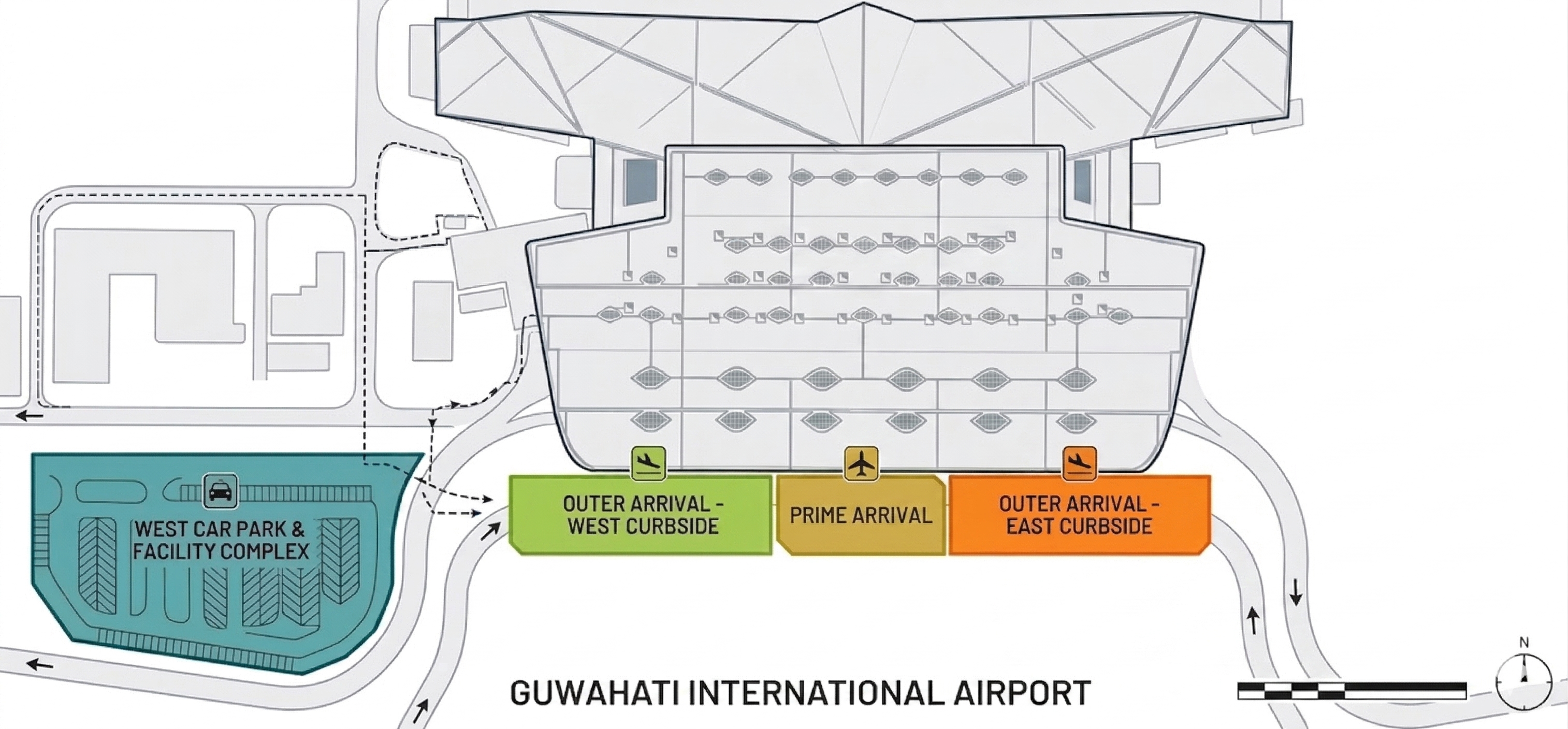
Detector Positions
| ID | X (m) | Y (m) | Zone | Landmark | MQTT Topic |
|---|
Drag detector pins on the floor plan to position them. Coordinates update in real-time. Zone is auto-detected. Click Save Positions to apply.
Set Distance Between Detectors
to
Rescales all detector positions so the selected pair are exactly the specified distance apart. Detector A stays fixed.
Regions
Click Draw Region then drag a rectangle on the map. Trolley counts across all detectors inside the region are summed in live view.
Survey Points
Heatmap detector:
| Label | X | Y | Trolley MAC | Samples |
|---|
Click the map to place a survey point. Enter a trolley MAC, then Capture RSSI. Aim for 100+ samples per point. Dense coverage improves fingerprint accuracy.
Calibration Points
| Label | X | Y | Trolley MAC | Samples |
|---|
Fit Results
Run calibration to see results.